Propalt AI with ChatGPT
Propalt is now a published app inside ChatGPT. That means you can connect your Propalt account to ChatGPT and start asking real questions about UK property data — landlords, prices, rental yields, market trends — all backed by live data.

How to Connect Propalt AI to ChatGPT

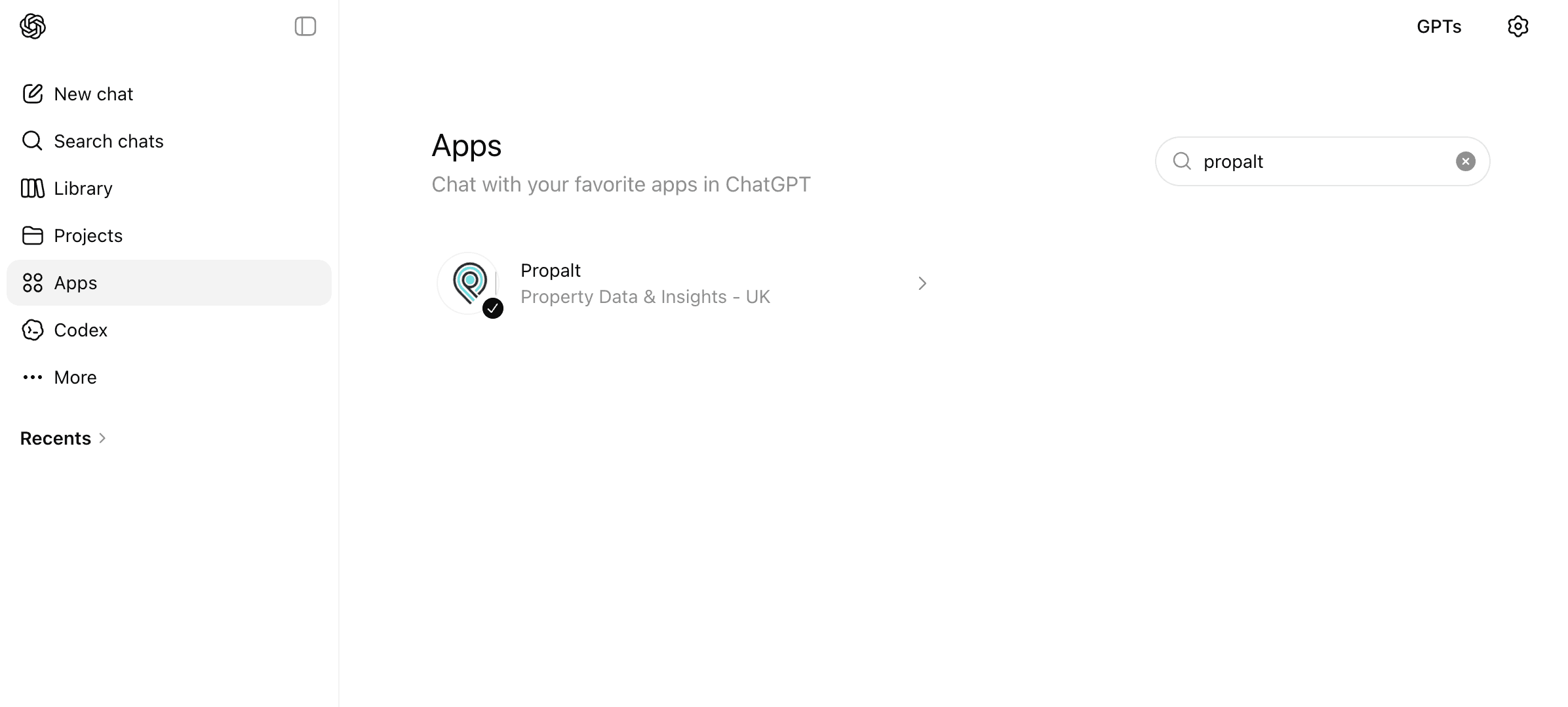
1. Open Apps and search for Propalt
In ChatGPT, click Apps in the left sidebar. Type "Propalt" in the search box on the right. Select Propalt — Property Data & Insights, UK from the results.
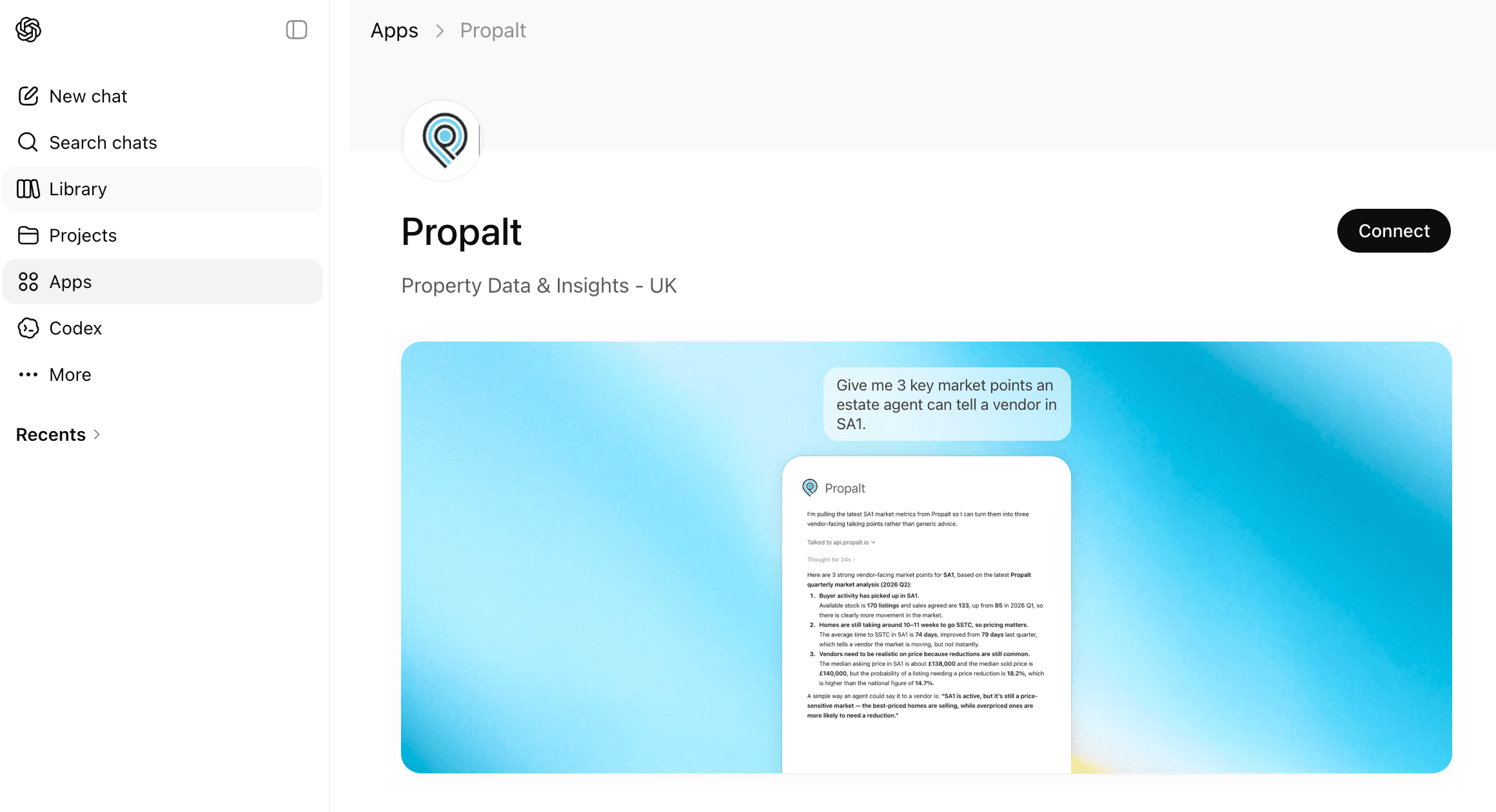
2. Open the Propalt app page & Connect
On the Propalt app page, you'll see a brief description and a usage example. Click Connect in the top-right corner to get started.
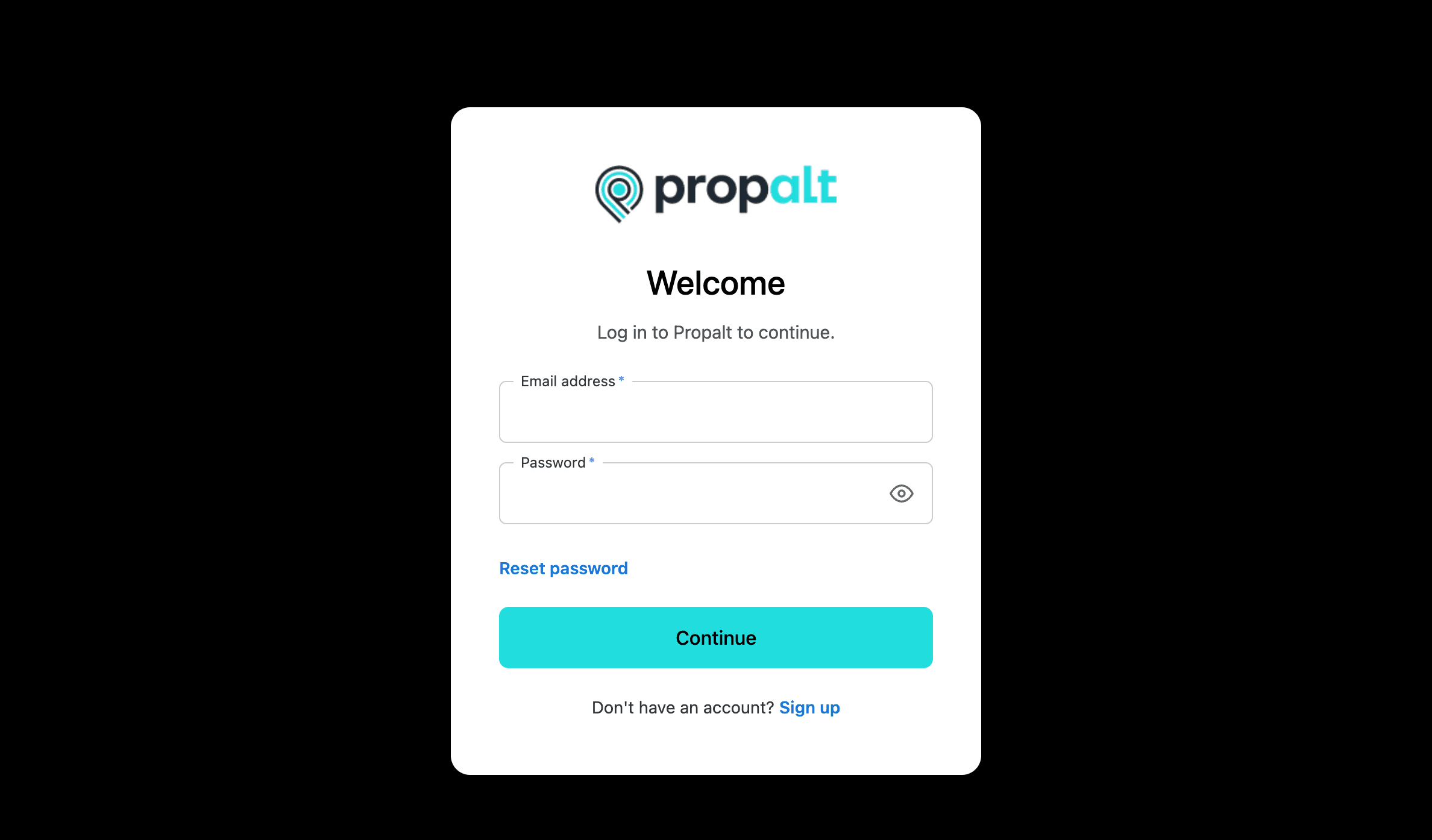
3. Sign in to your Propalt AI account
Sign in with your email and password, then click Continue. This securely links your Propalt AI account to ChatGPT — your credentials are never shared with or stored by ChatGPT.
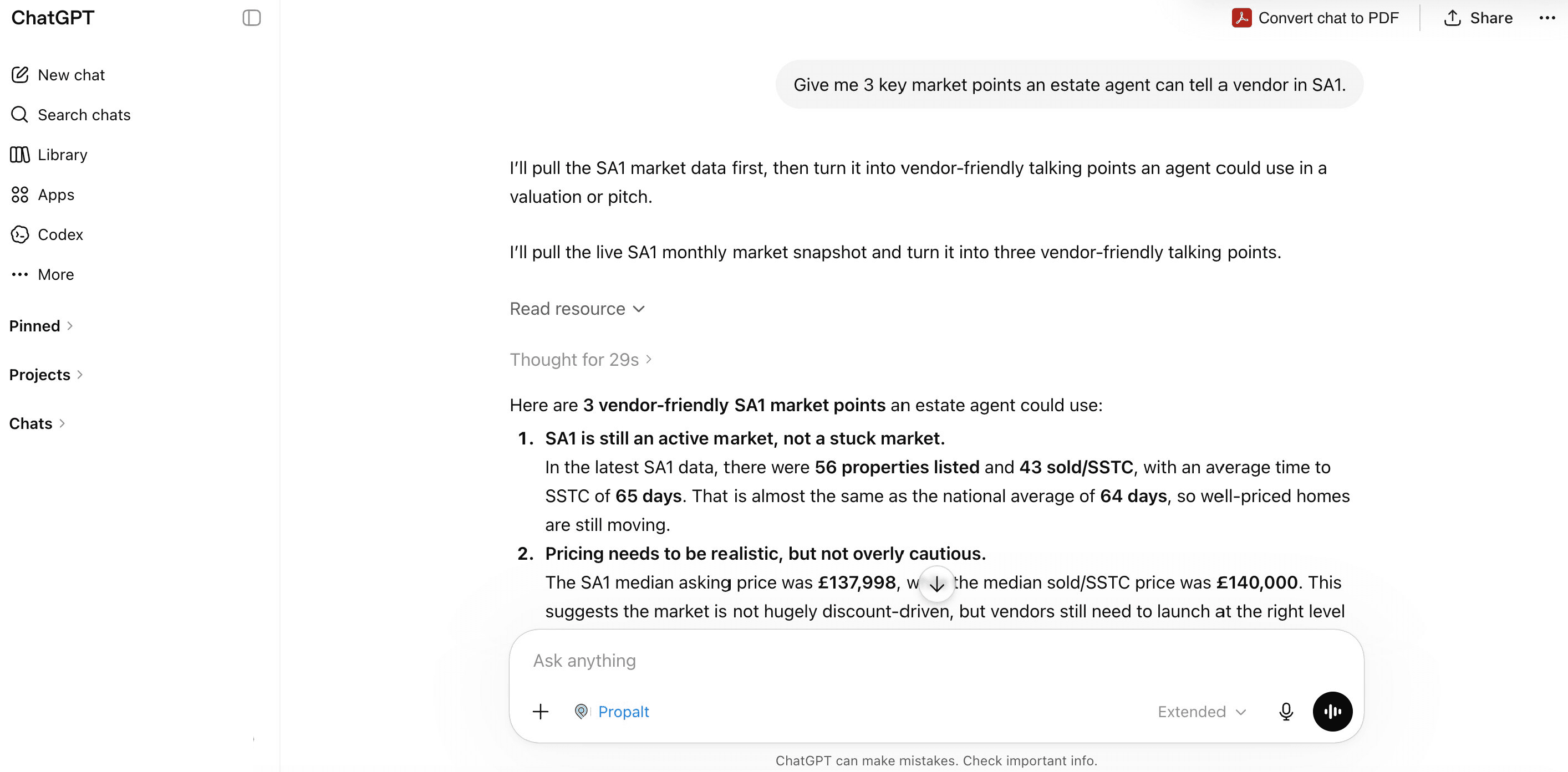
4. Start asking property questions
You're connected. You'll now see Propalt in the message box. Just ask a UK property question naturally.Propalt pulls live data and ChatGPT turns it into a clear, usable answer.
UK property intelligence, inside ChatGPT
Live property data in every conversation. Connect Propalt to your ChatGPT today
Try Propalt AI