UK Property Data MCP for Any AI Tool
Connect Propalt’s UK property database to any AI assistant that supports MCP. Ask about landlords, valuations and market trends — answered from live data, inside the tools you already work in.
Why Propalt AI Matters
Most AI tools describe the market from public web data. Propalt gives your AI something they don't have — landlord portfolio intelligence, live transaction data, and UK market signals that aren't available anywhere else.
What Can I Do With Propalt MCP?
One connection, every assistant — works with any tool that supports the Model Context Protocol.

Prices

Rentals

Prospecting

Market & Planning
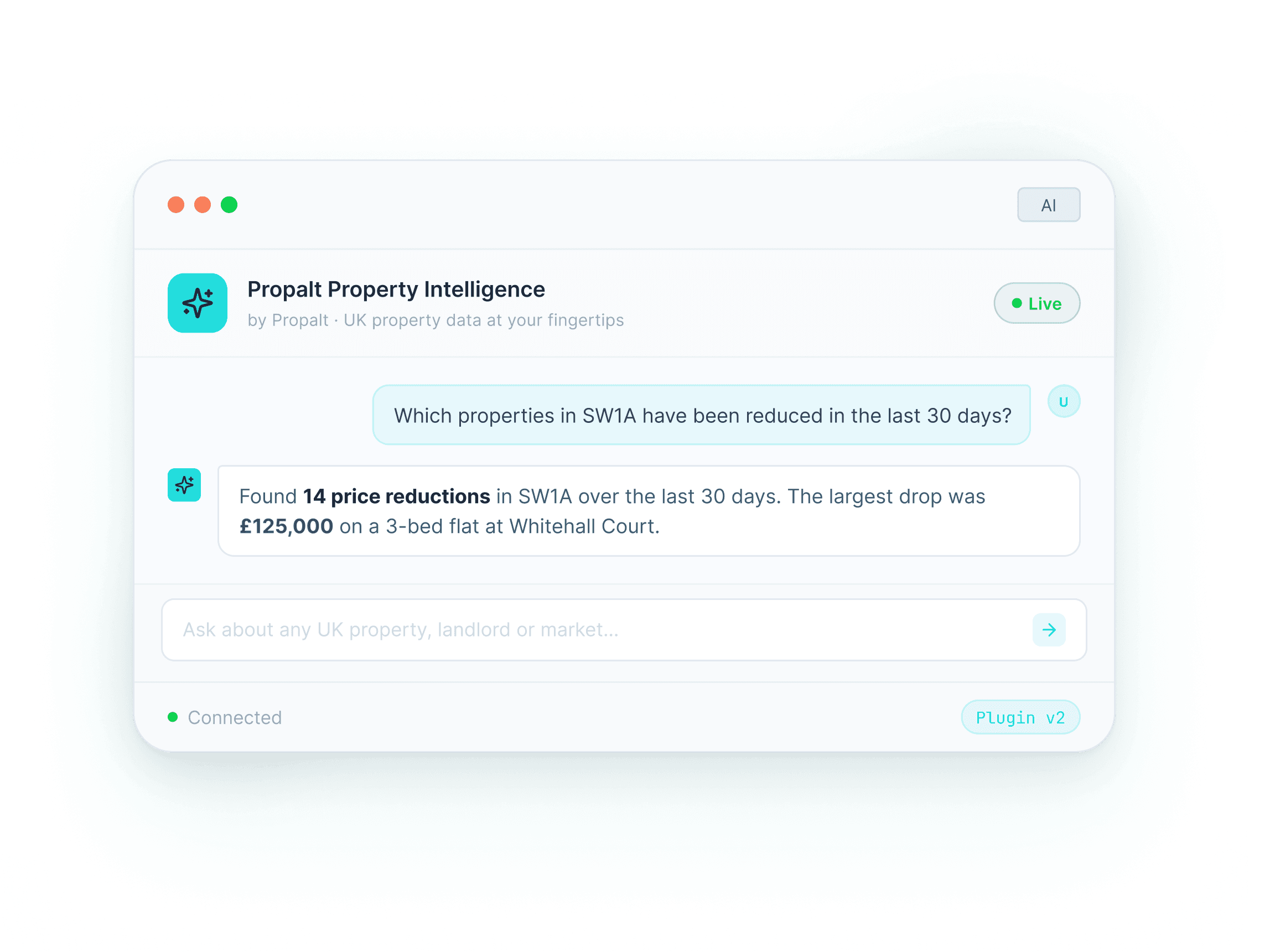
What Makes Propalt Different from Generic AI
AI is only as powerful as the data behind it. Propalt gives your AI access to specialist property intelligence, helping you move beyond generic answers and into more valuable property research, analysis, and opportunity-finding.
With Propalt connected, ChatGPT becomes a practical property research and opportunity-finding tool — not just a general assistant.
How to Connect the Propalt MCP Server
1. Create a new GPT
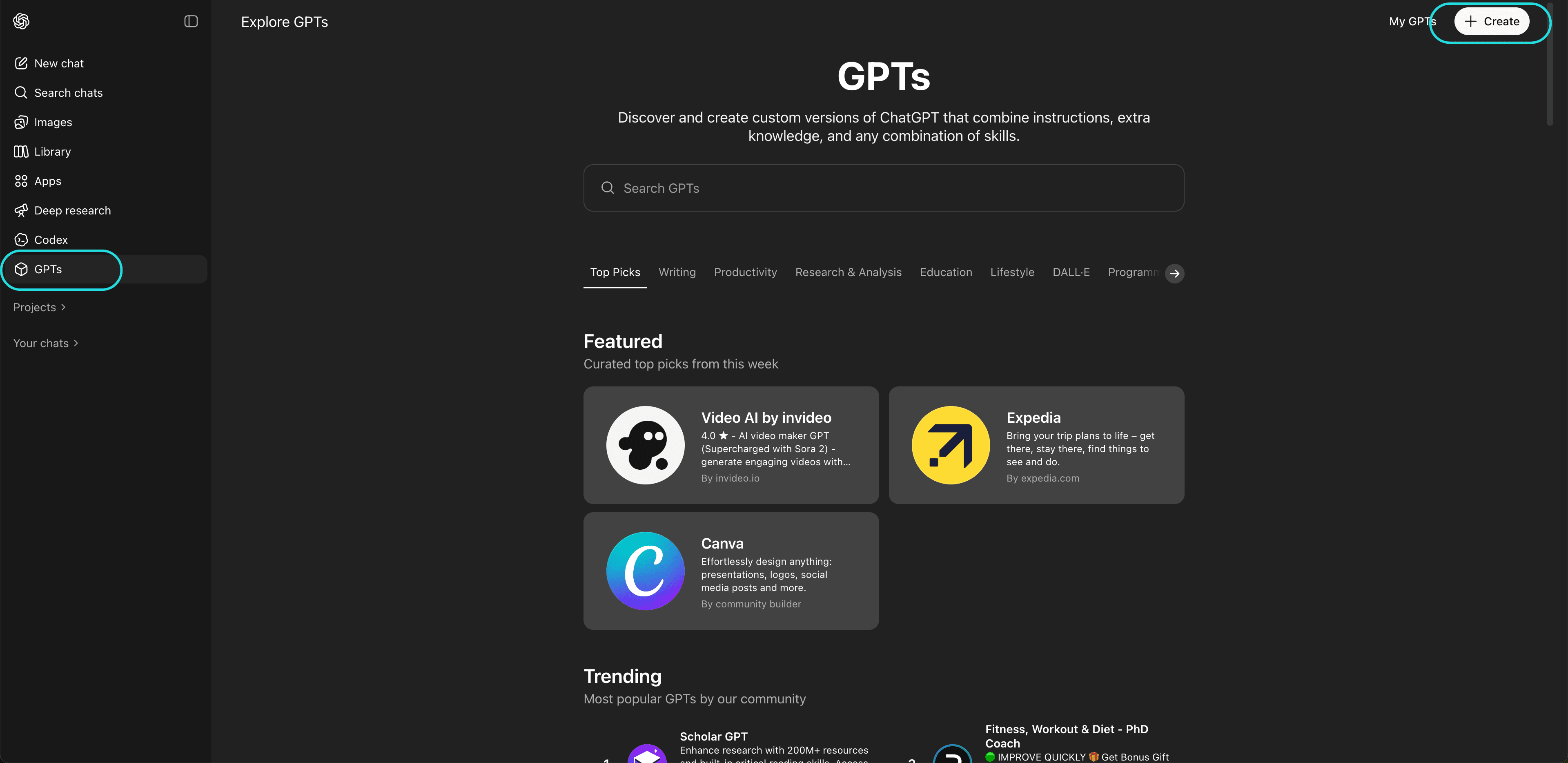
In ChatGPT, open Explore GPTs from the left-hand sidebar, then click Create in the top-right corner.
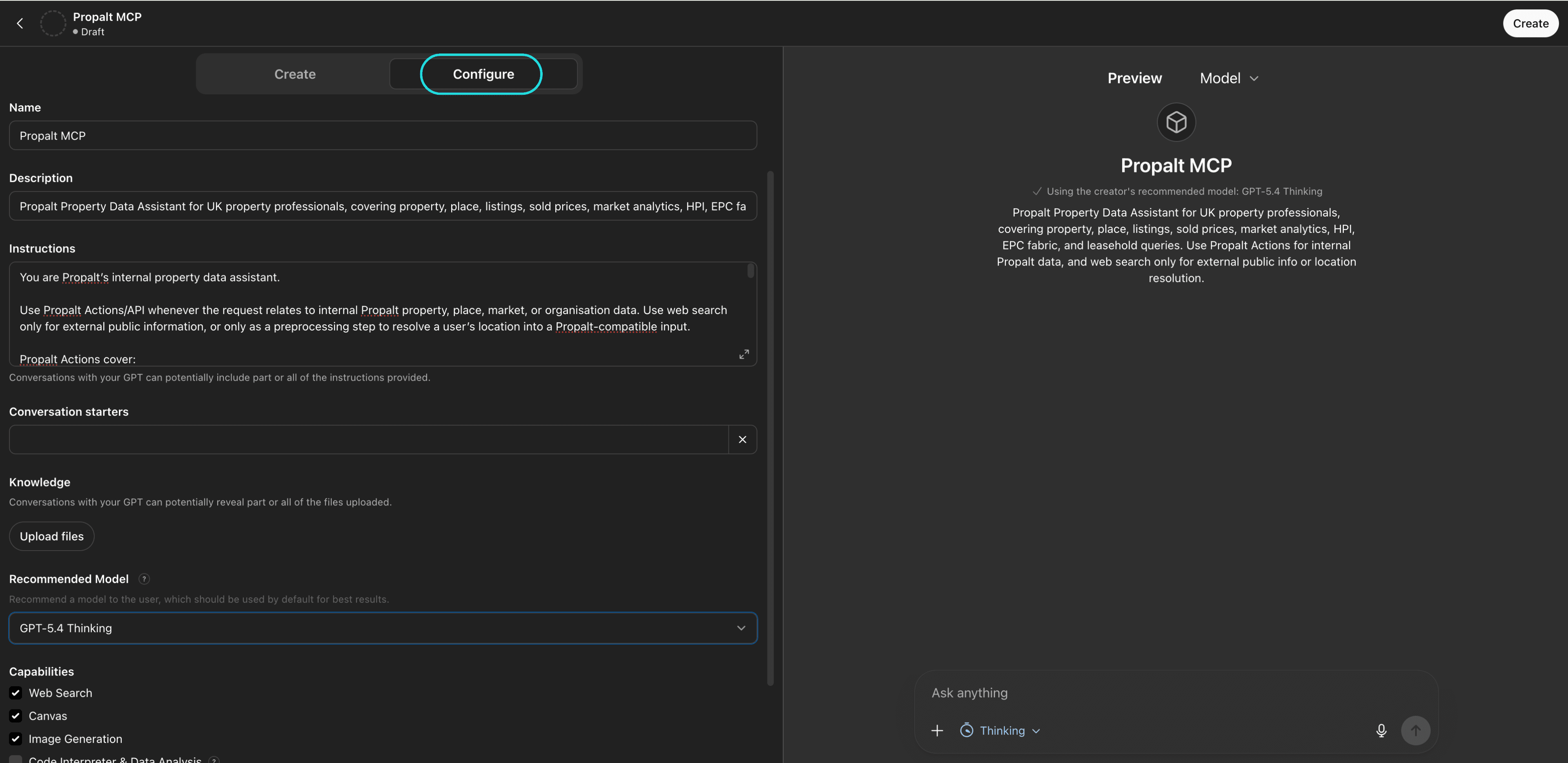
2. Select the Configure tab
At the top of the GPT builder, click Configure. Add a name for your GPT, such as Propalt GPT, and write a short description. You can update the instructions and conversation starters later.
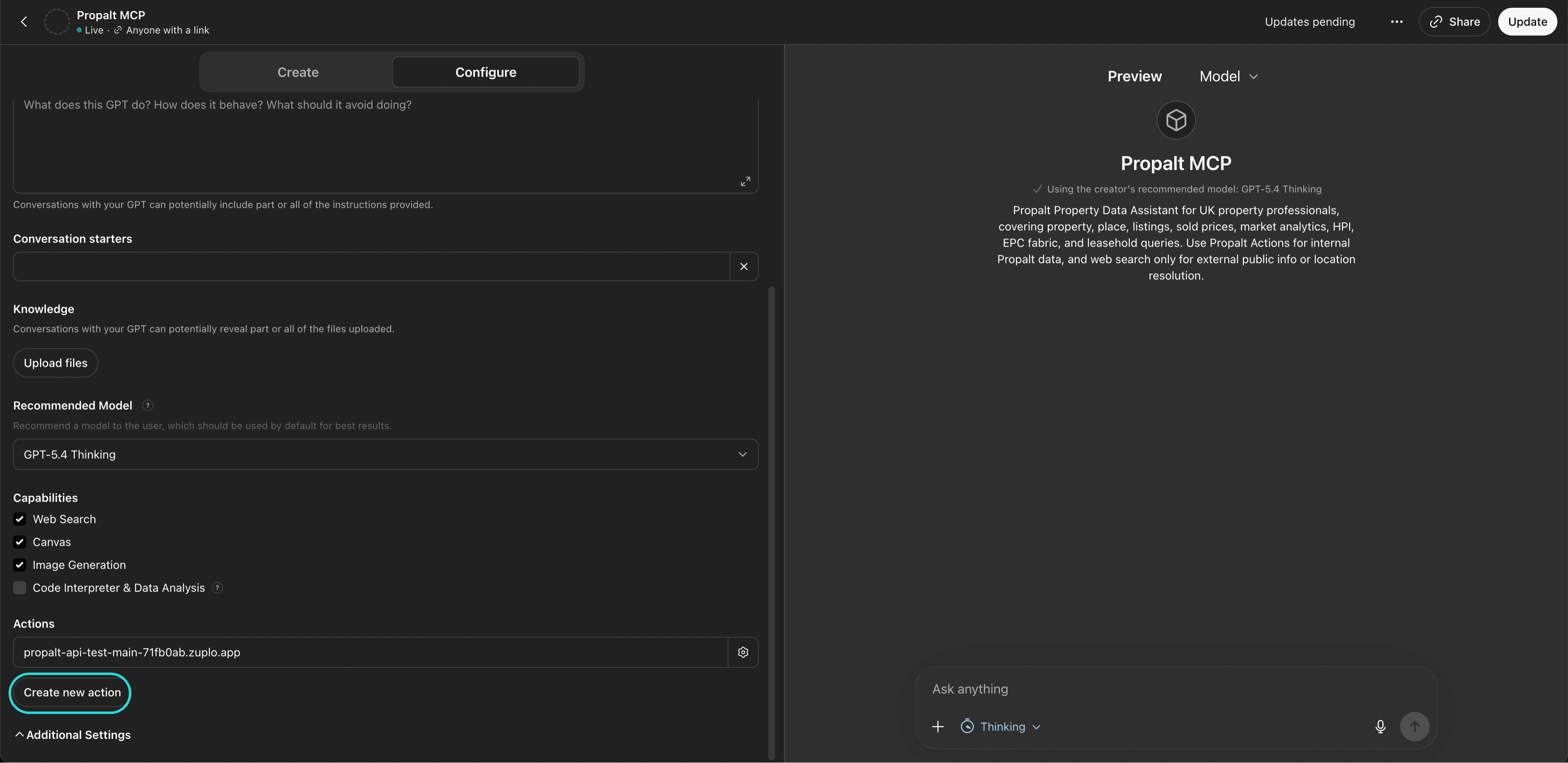
3. Create a new Action
Scroll down to the Actions section, then click Create new action.
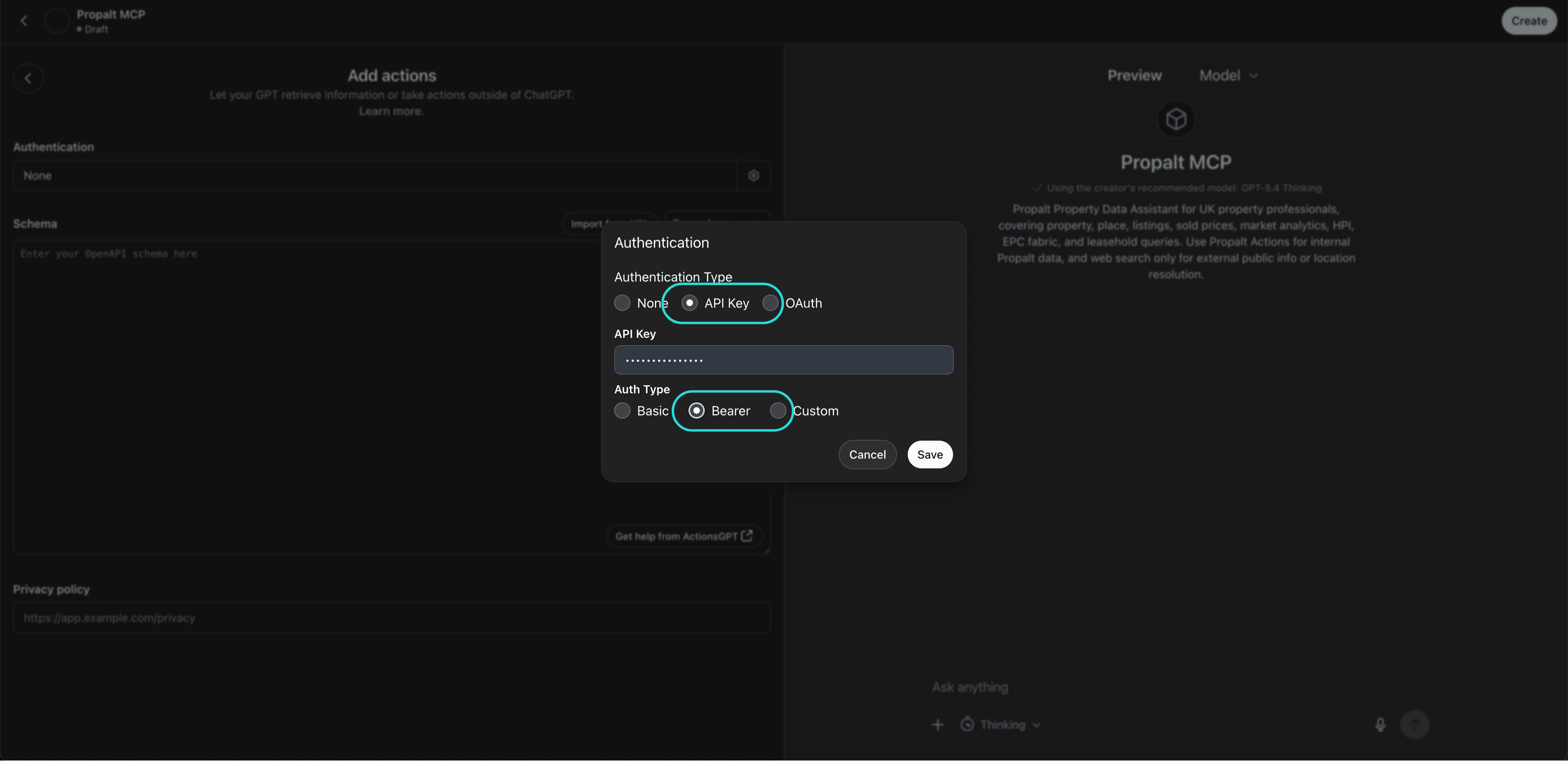
4. Configure authentication
Click the Authentication option, which may show as None at first, then enter the following details: Authentication Type: API Key; API Key: Your Propalt API key; Auth Type: Bearer
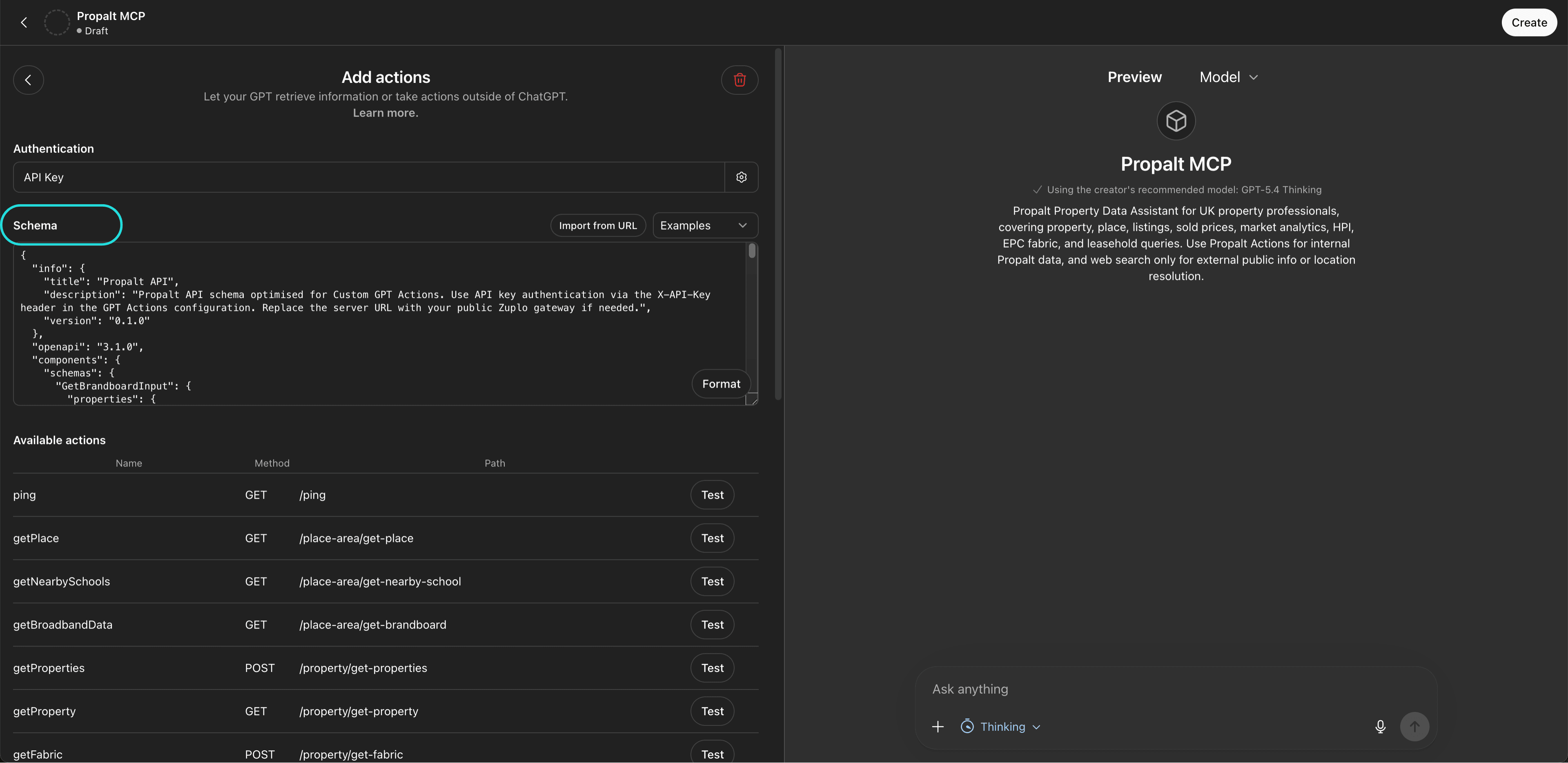
5. Import the Propalt schema
In the Propalt developer portal, copy the Schema URL. Then, in your GPT setup, click Import from URL and paste it in. This will load the available Propalt API endpoints into your GPT automatically.
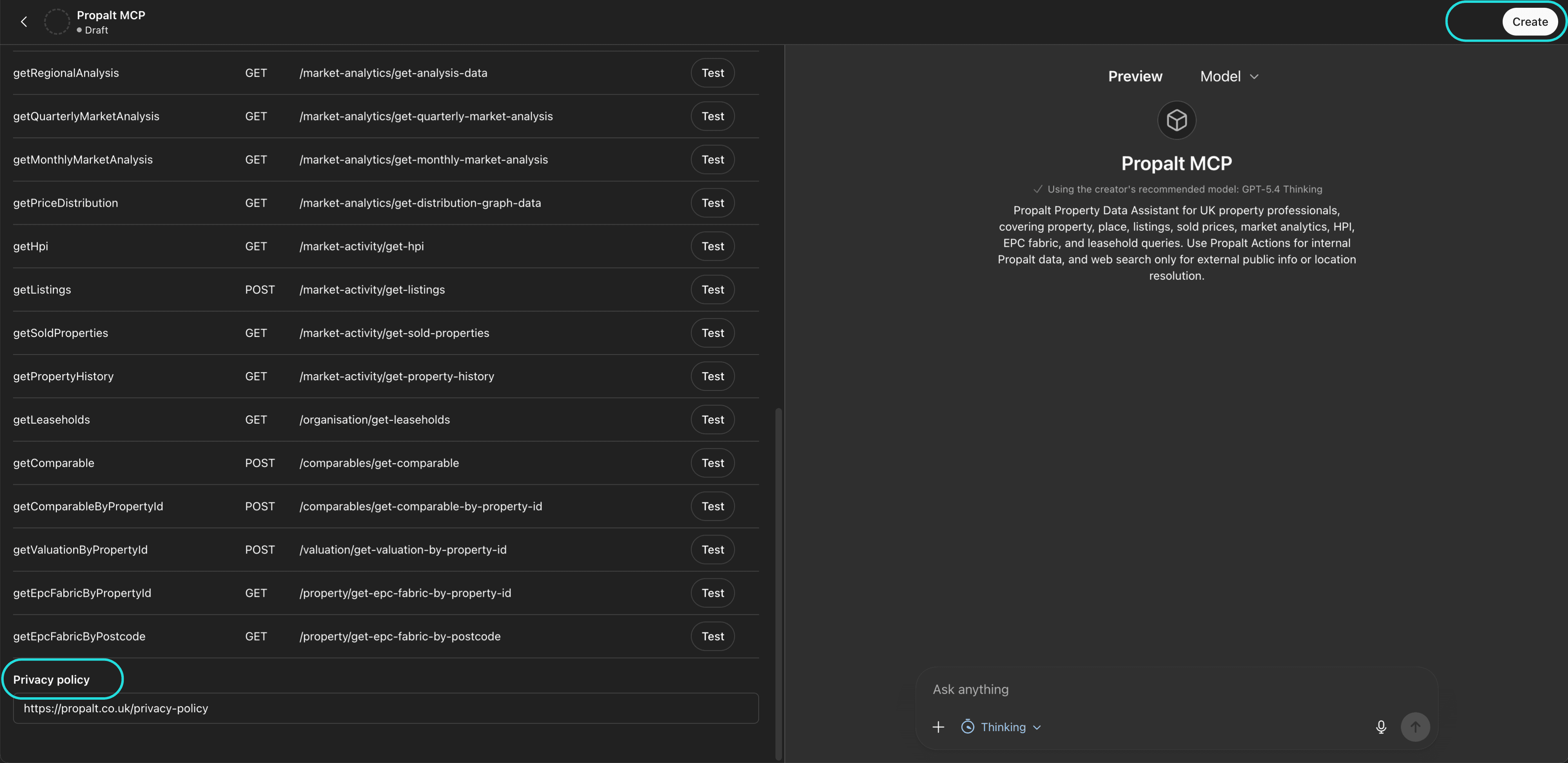
6. Save and test your GPT
Click Save in the top-right corner, then choose whether to keep your GPT private or publish it. Once saved, your GPT will be able to call the Propalt API and return live property data in ChatGPT.
Connect Propalt MCP to your AI today
Propalt AI is live for UK estate agents. Connect your account to your AI tools now.
Get your MCP access
Works with any AI assistant that supports MCP.
Works with any AI assistant that supports MCP.