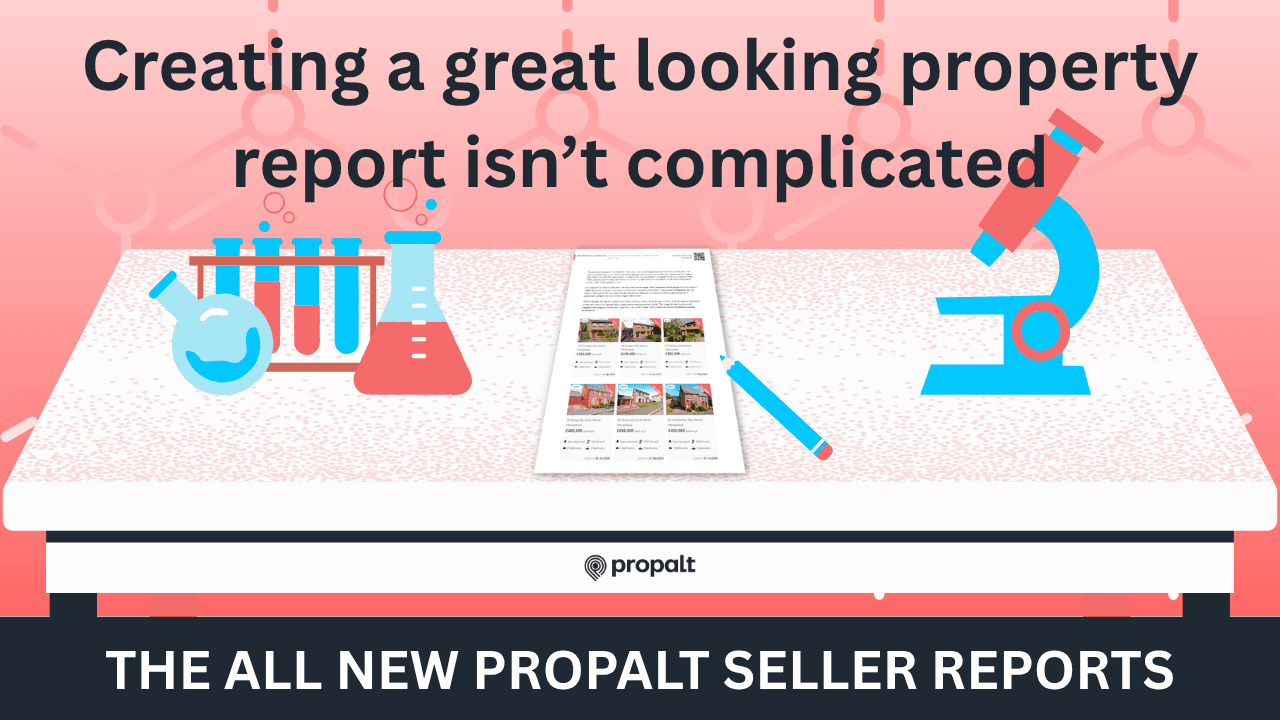
🧾 How to Create a Propalt Seller Report
After years of helping agents book more valuations, we’re now helping you win them. Here’s how to create your first Seller Report in Propalt.
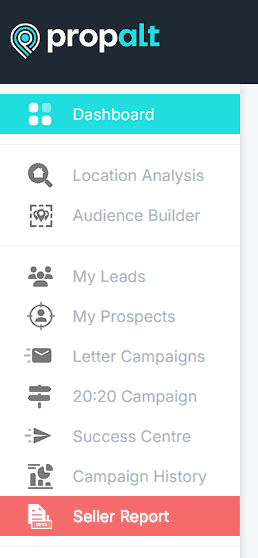
🧭 1. Find Seller Reports in the Navigation Menu
You’ll notice a new option in your left-hand navigation: Seller Reports.
- Hover over it
- Click Seller Reports to open the dashboard
This screen will display all your previously generated reports. If it’s your first time, the page may look a little empty — let’s change that.
➕ 2. Click "Create Report"
In the top-right corner, click the Create Report button.
- Enter the property address for the upcoming valuation
- Add the vendor’s name so you can personalise the report
🏡 3. Confirm Property Details
We’ll pre-populate key property information where we can.
- Review and update fields like beds, baths, and tenure
- Once ready, click Generate to create the draft report
✏️ 4. Edit Your Report
Almost every section of the report is editable.
- Simply click any text or image to make changes
- Updates to personal info (like your name or contact details) will prompt you to update your Account Settings
Pro Tip:
Each report page includes a QR code. This links to your website — you can update this URL via Account Settings as well.
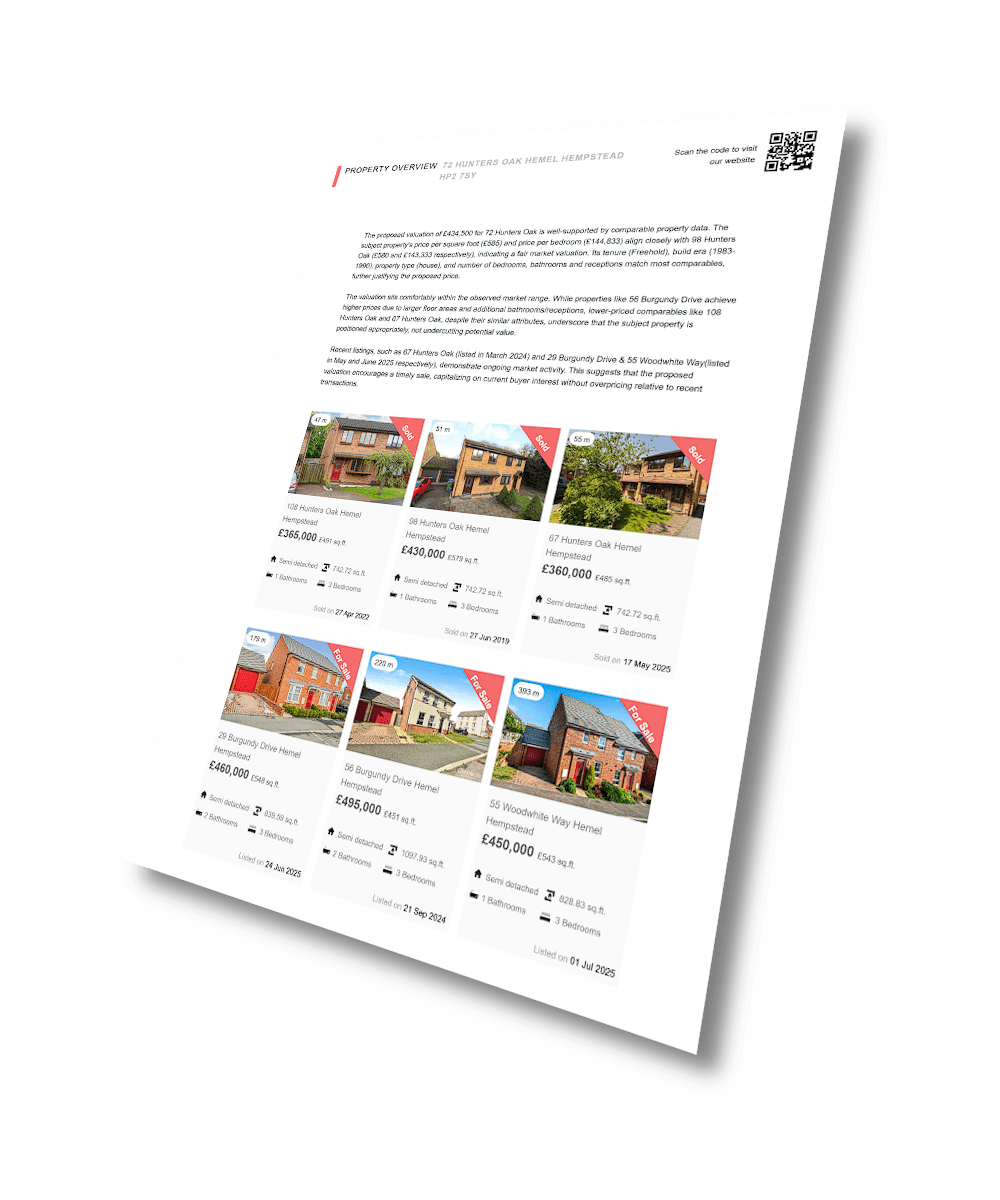
📊 5. Customise Comparables and Planning Data
In the Comparables and Planning Applications sections:
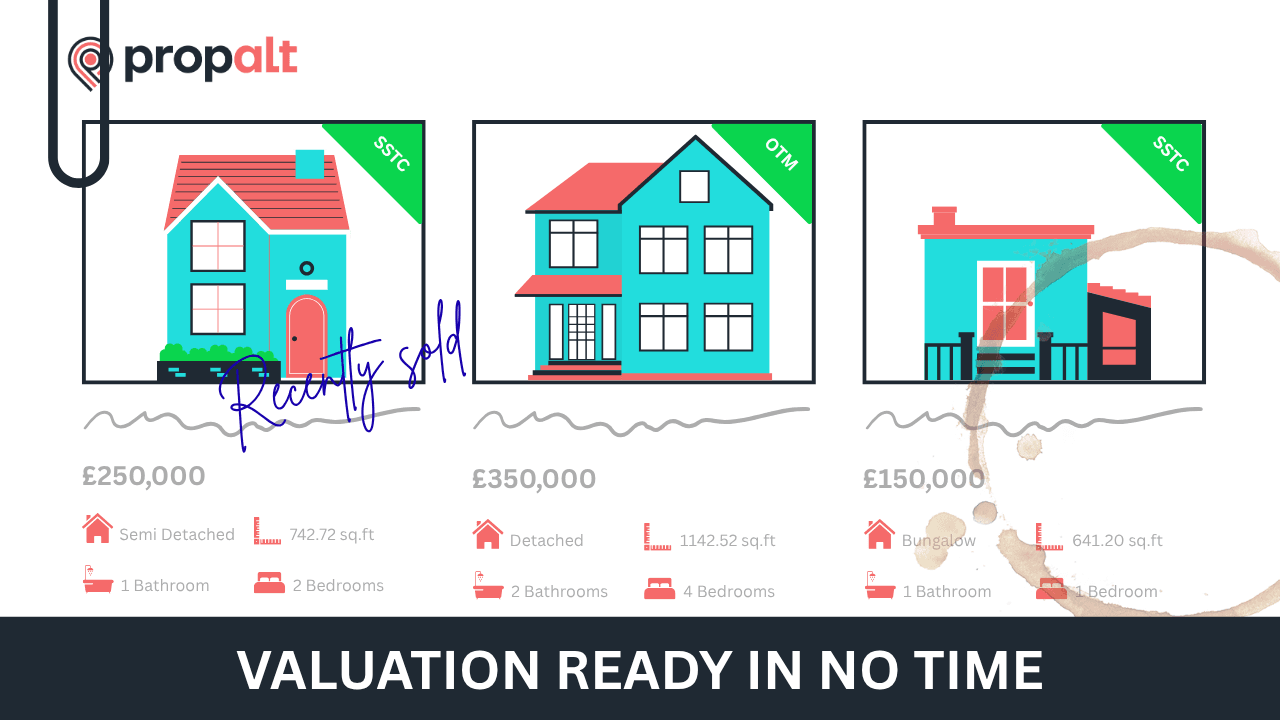
- Swap out properties or planning applications using the dropdown
- When you change comparables, you’ll be prompted to regenerate the AI summary — use this as-is, or overwrite with your own version
🧮 6. Review Your Appraisal
We’ll provide a suggested valuation, but you’re the local expert.
Edit the Appraisal & Valuation section to suit your strategy and knowledge of the area.
🧍 7. Personalise the "About the Agent" Page
This section automatically pulls in:
- A couple of your live listings
- A placeholder for the “Coming Soon” property you're appraising
If no listings appear, check that your coverage area is correctly set in your account.
🌟 8. Add Your Agent Bio and Reviews
In the About Us section:
- Write a short agent bio
- Choose the best reviews to show vendors why you’re the agent for the job
🙈 9. Hide Unnecessary Pages
Tailor the report to each instruction.
On the left-hand side, click Hide next to any section you don’t want to include.
✅ 10. Save and Manage Your Report
Once you’re happy with your changes, click Save & Close to return to the dashboard.
On the right-hand side of each report, click the three vertical dots to:
- Preview
- Download (for print)
- Copy link (to share digitally)
- Edit
- Delete
And that’s it! You’ve built a custom Seller Report ready to impress on your next valuation.
Let us know what you think, and good luck winning the instruction!
Unlock Seller Market Reports today!
Book in a meeting with a member of our team.
Book a Call