Tutorials
How Propalt Makes Preparing for a Valuation Even Easier

November 5, 2026
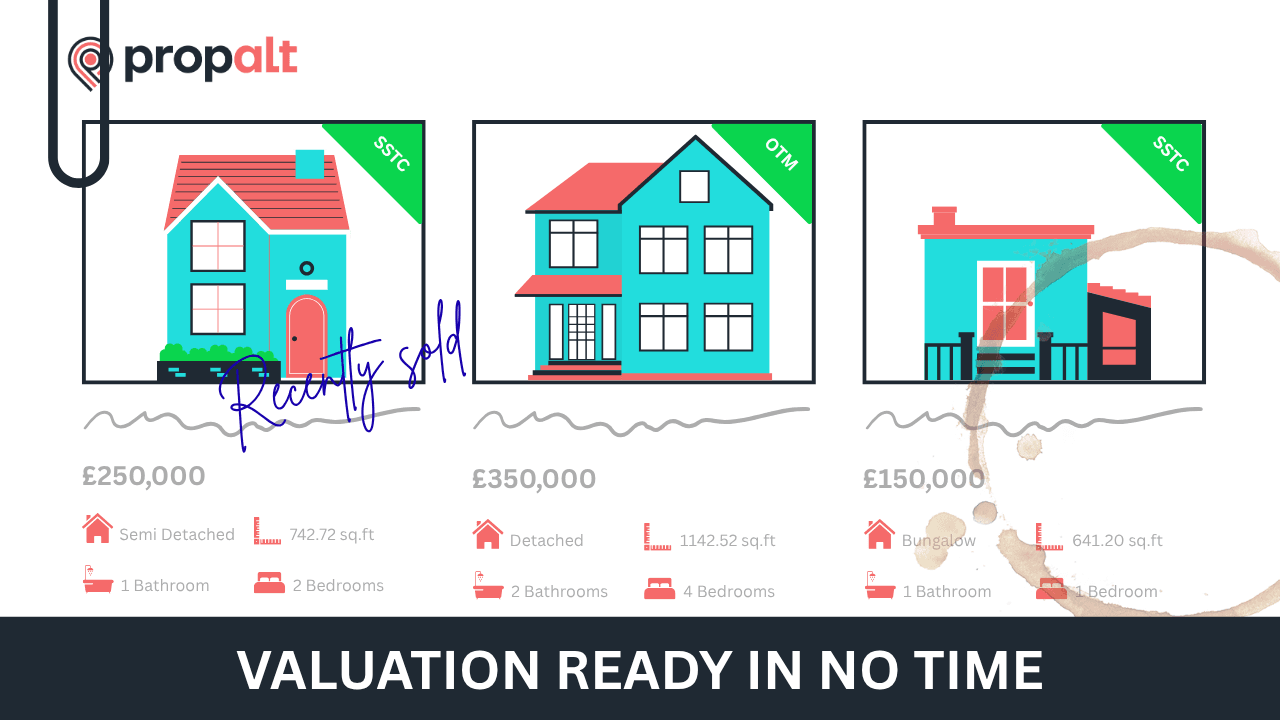
Heading out to a valuation? Propalt helps you get ahead, with rich local data, property history, and smart comparables all in one place.
From the home screen or top search bar, type in the address of the property you’re about to value. The map will zoom in and display a side panel with key details about the property.
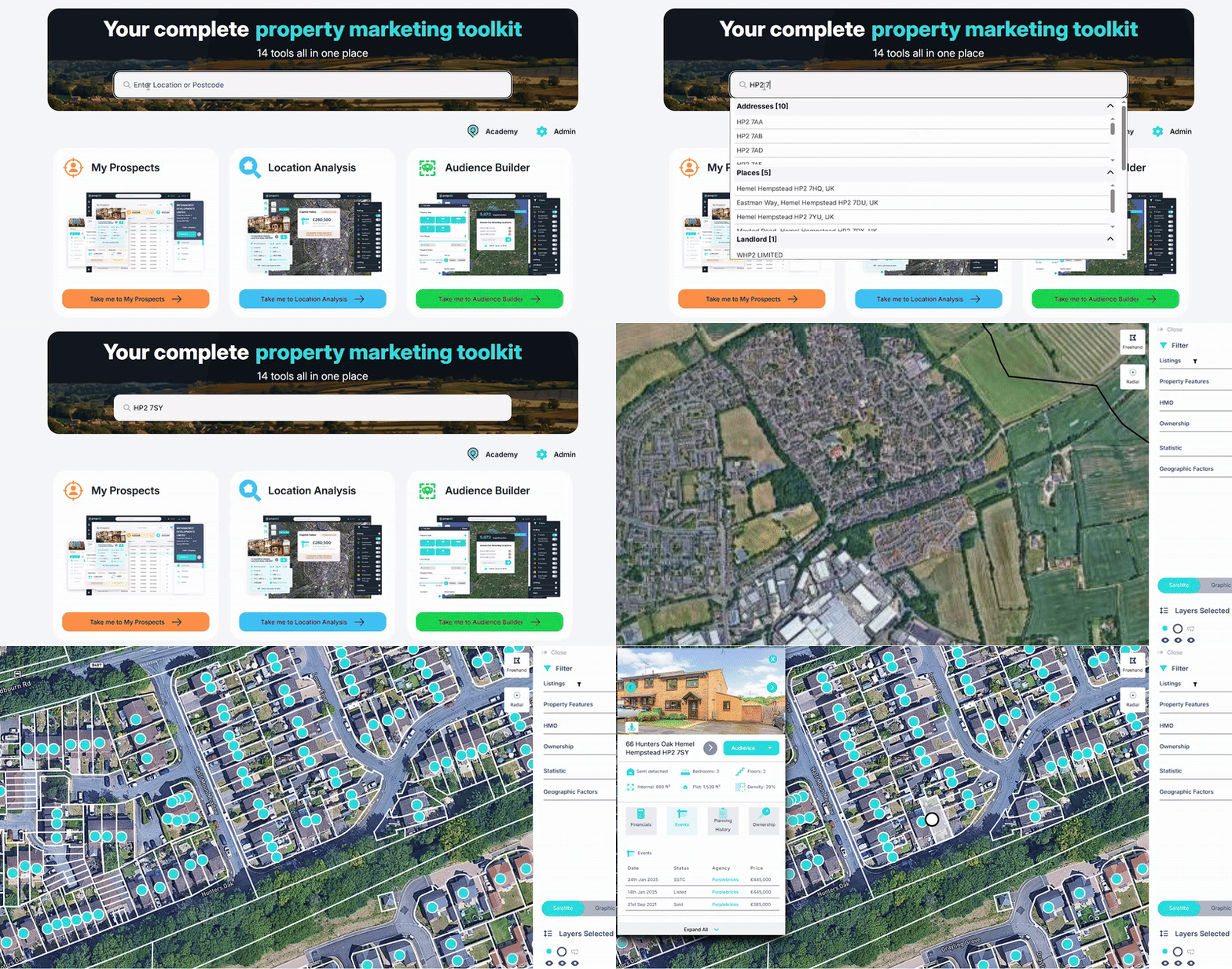
Here you’ll find:
Propalt gives agents access to historic listing archives, making it easier to see how a property has been marketed before. You can look back at photos, pricing, and descriptions, even when the property’s been listed by different agents. It also shows key dates like price drops, fall-throughs, and when it was withdrawn, helping you get a better sense of how it performed and plan a smarter marketing strategy.
You can also click on neighbouring properties to explore local context that might influence your valuation, useful for getting a feel for the street and recent activity.
Click on the property address in the side panel to open the full record. Here, you’ll now see:
On the right-hand side of the screen, the map populates with recent sales, active listings, and withdrawn properties, a fast way to begin comparing similar homes nearby.
We’ll go deeper on comparables in a moment, especially when building your Seller Report, but this alone can give you a strong read on the market before you arrive.
Once you’ve explored the property and the surrounding market, it’s time to generate a Propalt Seller Report.
While we cover the full report creation in another guide, here’s what to focus on when it comes to comparables.
You’ll be prompted to select up to six comparable properties. To get started, just click one of the six property slots, this opens your comparable selector popup.
We recommend:
This blend shows both the current price landscape and how values have shifted, ideal if you're building your report before seeing the property in person.
You can easily filter by For Sale or Sold properties within the selector. Once chosen, hit confirm.
After confirming your comparables, you’ll be prompted to update the AI-generated valuation summary.
If you’re short on time, you can keep the AI suggestion. But if you want to stand out from competitors, consider writing your own short explanation, especially if:
Remember: this report stays with the vendor, conversations will happen when you're no longer there. Use this space to guide those conversations in your favour.
You can also reference £/sqft comparisons, particularly when countering inflated valuations:
“Yes, number 12 sold for £40k more than the price I’m giving you, but it’s significantly larger, and modernised throughout.”
Data-backed valuations are your best defence against competitors who overvalue to win instructions. With 47% of properties requiring a price reduction in the first half of 2025, it’s never been more important to price correctly from the outset.
Propalt gives you the tools, now you can use them to win trust, justify your price, and secure the instruction.

What property valuation software should give an estate agent before a market appraisal: comparables, an AVM, area data and a report you can edit and send.

Kieran explains how to find and target portfolio landlords using Propalt. See how to analyse portfolios and connect with decision makers in your area using Direct Mail and LinkedIn.

Whats happens when you measure the ROI from you marketing efforts over an entire year? Industry trainer and Propalt user Perry Power shares with us the results from his direct mail campaigns measured over the calendar year.